make visual designs to promote books and courses

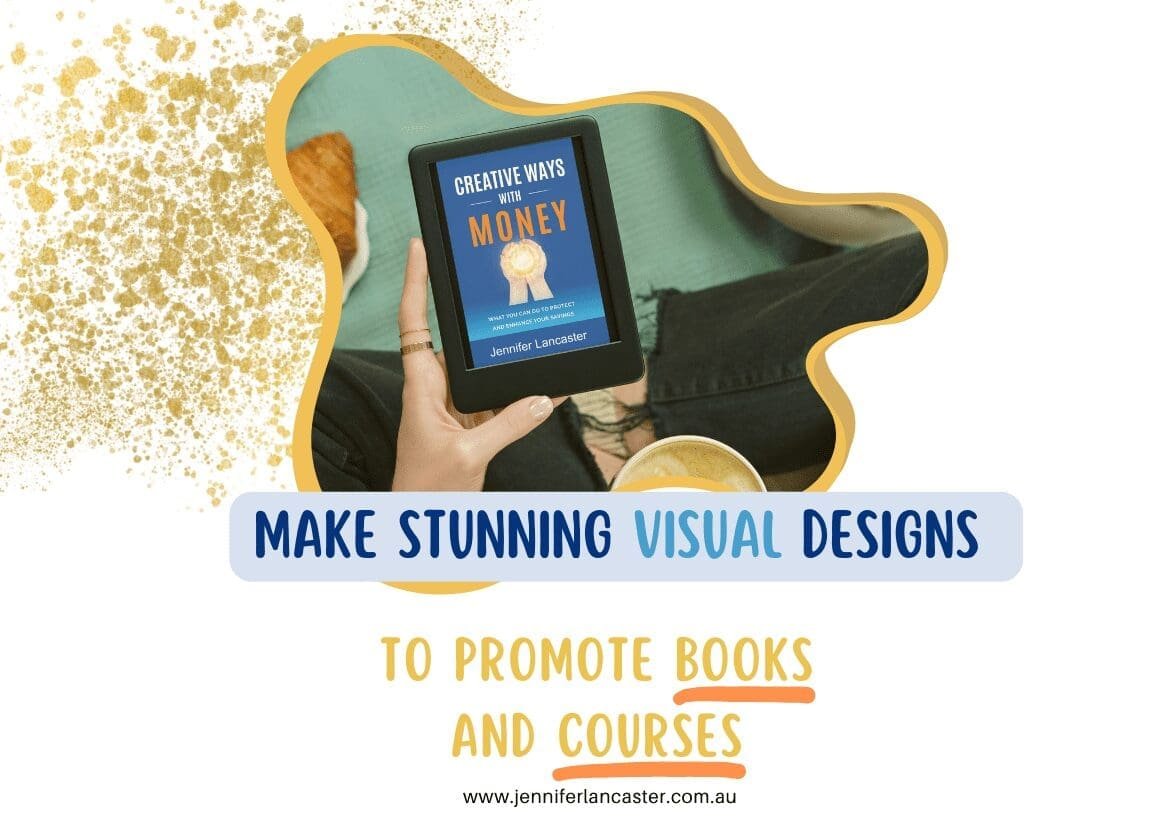
Make Stunning Visual Designs to Promote Books and Courses

If you’re writing all the time, you probably won’t like this next fact too much. Visual communication/design has become so important, that without integrating the visual aspects and social media, your book publication will likely be fighting a losing battle.

The ‘default’ of the average phone scroller is to ignore the boring, the mediocre, and move on. So are you ready to think about your own brand and boost it visually…? YEAH!

Something to ponder

  1. As an author, you are a brand – so what does this brand represent?
  2. How will you represent your message in a visually appealing way?

Some people still spend hours and hours making a brochure – meanwhile, the world has moved on. You can make a simple flyer with a pre-made template, add your colours and fonts and download the PDF, all ready to share in an email – within 20 minutes.

Welcome to the home of Canva, which has always been about creating unique visuals easily, and in a hurry!
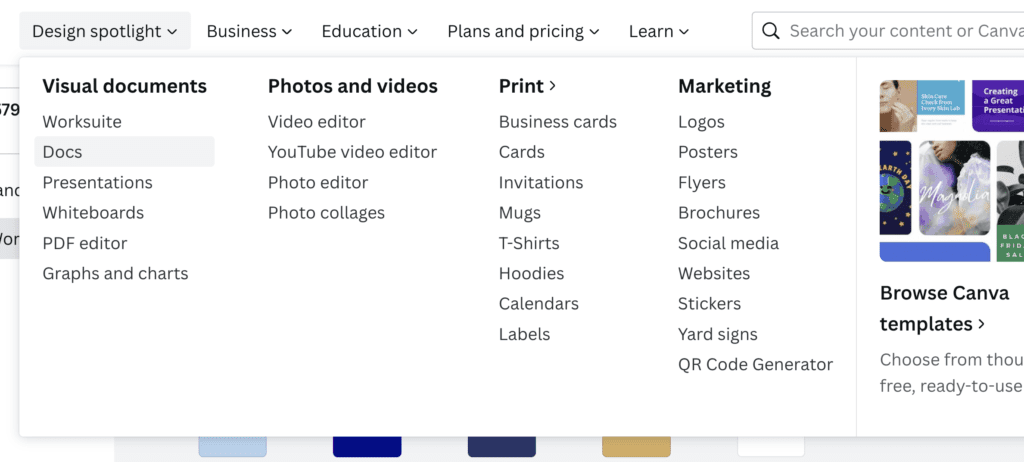
visual design choices

It’s important to learn the basics of visual design before diving headlong into creating social media banners, logos and post images. So, an understanding of colour theory and using weight balance in type is ideal.

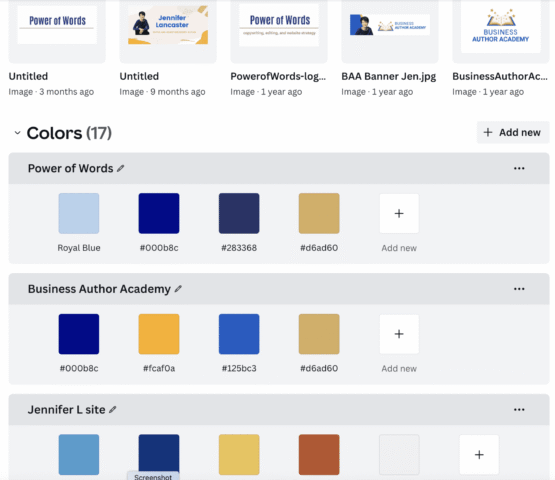
Brand Kit has expanded to Brand Hub. It’s where you find your Logo, your brand colours (hex numbers), typical photos, coloured elements, and your fonts. Brand Hub lets you store multiple brands (on Pro or Teams level).

There are now 1,000 curated fonts (provided by Monotype), so it will be easier to stay ‘classic’ with typography.

You can update old templates with new logos with the click of a box. You can bulk upload and bulk create business cards.

Brand Hub at Canva

Some AI Tools in Canva

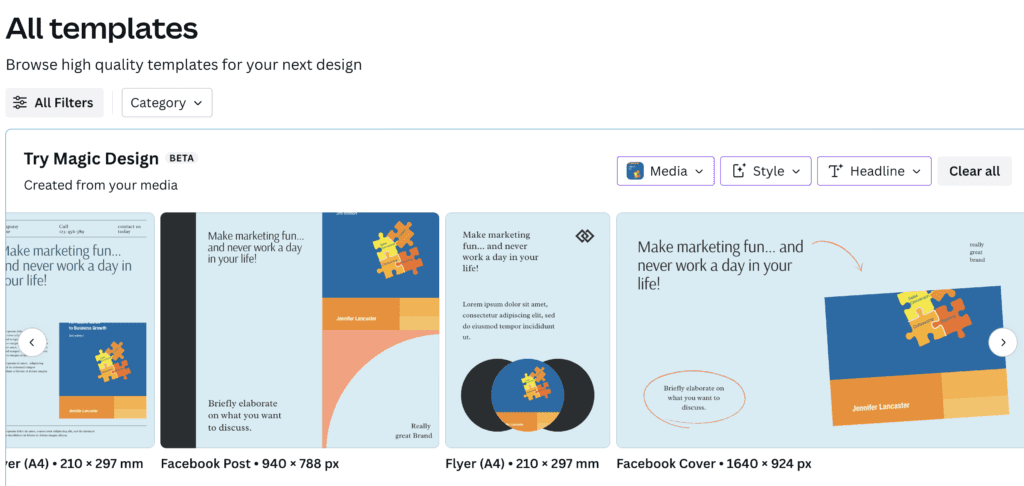
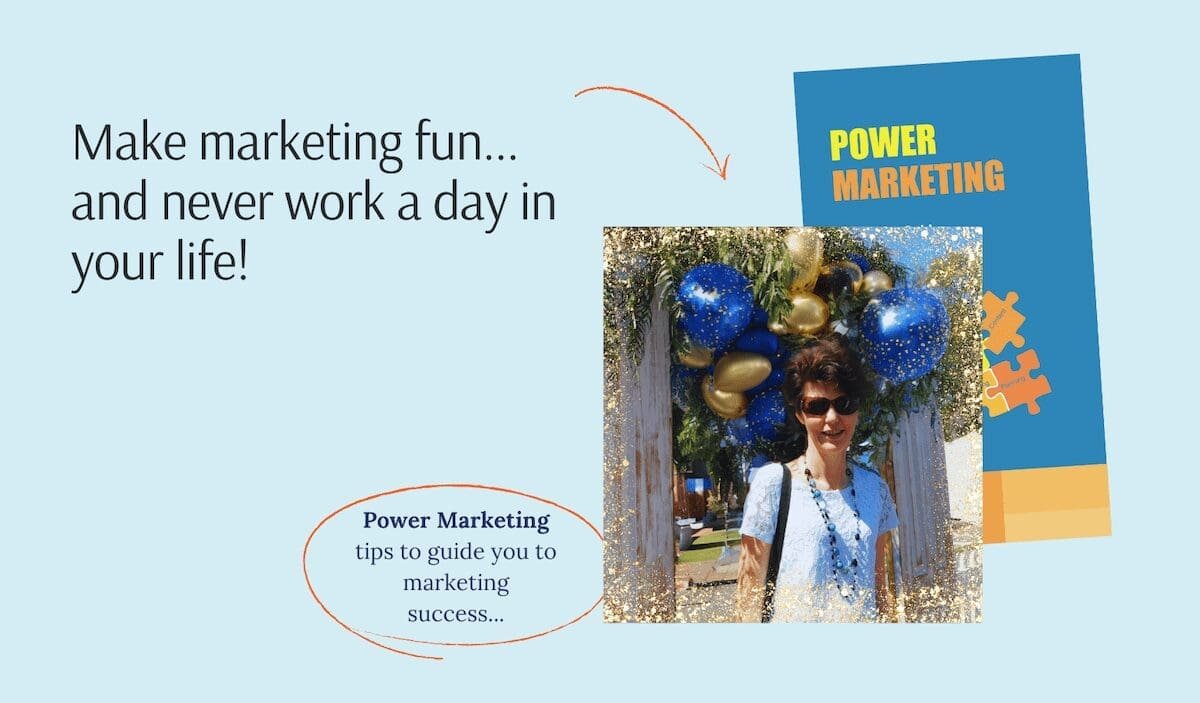
Magic Design will help you with a set of visuals based on just one image (such as of yourself or a photo of your book). Select the right Vibe/theme and Style colours. Select it from Templates: use recent media to create or select Magic Design. I then edited the photo to show the book cover and added my own photo.

I used Magic Edit to replace copious foliage with pretty balloons, added a frame and cropped the shot.

Canva now calls all these Canva AI, simplifying the concept.

magic design templates
marketing book cover for Facebook

Talk to the Image

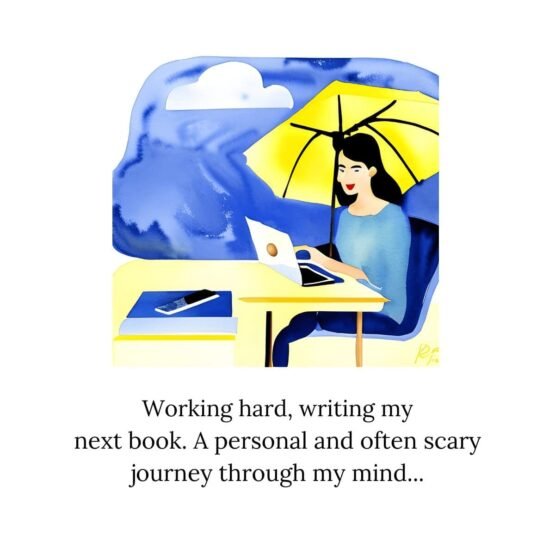
You can write some text and make an image, with text-to-image. I wrote: “watercolour image of a blogger at work”.

watercolour image - writer working on her book

Make Personalised Presentations

You can also make a Presentation with one of their snazzy templates and then hit “Present and Record” to record your own face (web cam) in a tiny window over top of the presentation. This is ideal for pre-recorded webinars or human-friendly videos for YouTube.

You can do lots of different things to promote a book using creative video. One is animated graphic presentations using just your book cover. You can make quote pull-outs from your book; square is best for many social platforms.

For all social content layouts, short videos (reels) and presentations (with a simple social scheduler), take a 14-day trial: Canva Trial

My Example

By loading this video, you agree to the privacy policy of Youtube.

Create Short Videos

If you’ve had trouble coming up with exciting videos to represent your book or course, then find Canva’s Video Template area. After choosing and filling out, select some free music under the ‘Audio’ tab. You may also choose ‘Beat Sync’, a new feature to time music rhythm to video footage.

Why not make a 29-second ‘short’ in vertical format, so it’s appropriate for Tiktok, Instagram Reels, and YouTube Shorts. In other words, it’s fun-focused and great for mobile viewers.

I’ve been having fun with making videos about my fave topic of marketing, as well as promoting my books. Check this bad boy out. (Portrait on mobile is better for Shorts or a Reel).

If you’ve got rough ideas to put into a graphic or video form, and you need writing to put into the videos, just use VidIQ’s AI Coach. It’s available once you register. Write out in a prompt, such as “Find fun facts about making promotions for authors”… and wallah, it will give you ideas.

You can also use Nano Banana in the same way.

By loading this video, you agree to the privacy policy of youtube.com.

If you want to use your brain for something else, you can ask for my help with creating social media content and doing a marketing plan.

Previous Post
Behind the Book: Helping Rob Jefferies Turn a Lifetime of Ideas into Renaissance 2.0

Categories

Related Books or Services